
Health Check
Run a multi-step internet diagnosis that delivers a plain-English verdict and next steps, covering DNS, gateway, latency, packet loss, and reachability.
Android & iOS network diagnostic app
Whether your Wi-Fi feels slow, a website is down, DNS is failing, latency is high, or you need a full suite of network tools on mobile — Network Analyzer puts practical diagnostics and guided analysis in your pocket. Built-in AI NetChat gives you answers based on facts, not guesses.


20+ Tools
Ping, traceroute, DNS, speed test, port scanner, and more
AI NetChat
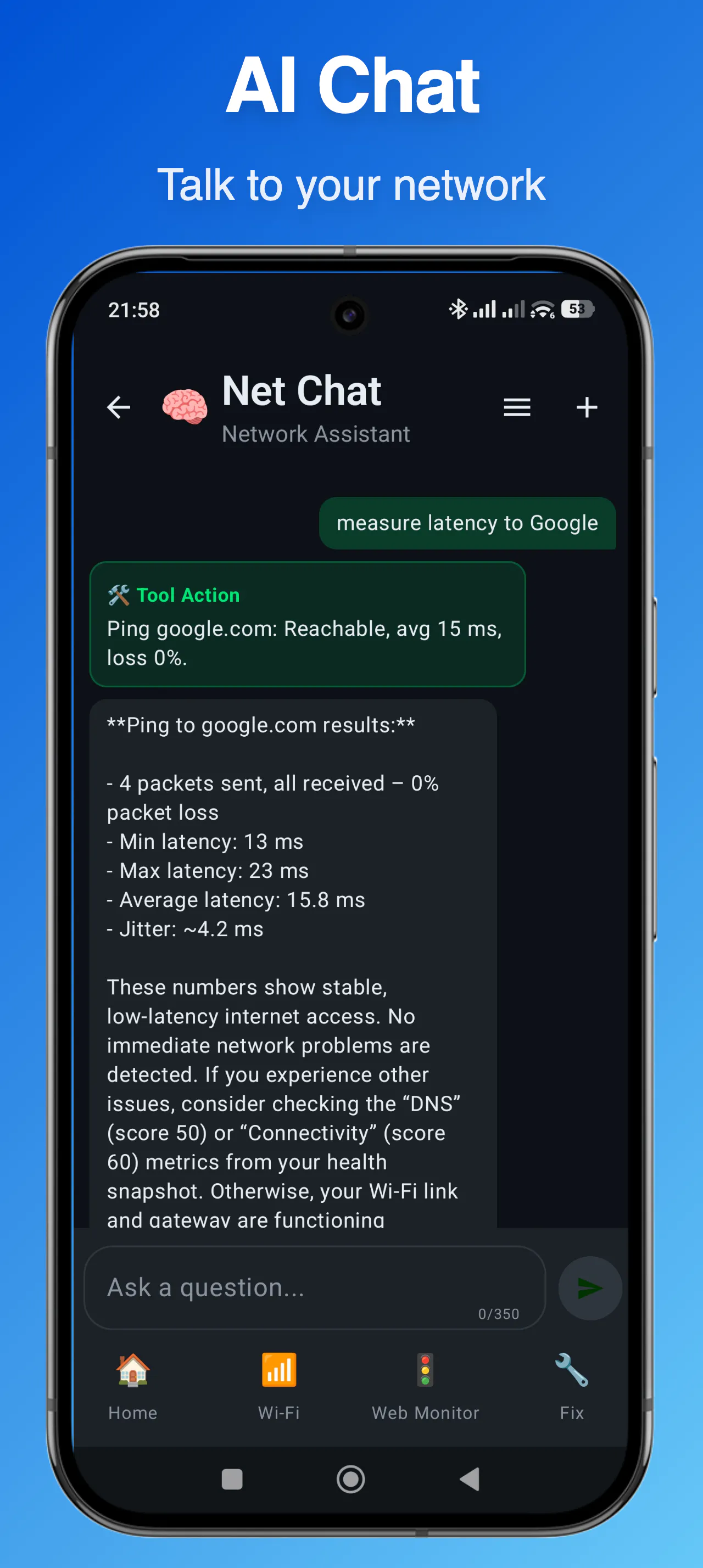
Built-in assistant that diagnoses issues using real network data
Android & iOS
Available on Google Play and the App Store
Why people use Network Analyzer
Network Analyzer bundles over 20 tools for diagnosing Wi-Fi problems, inspecting DNS, scanning local networks, testing internet speed, and investigating connectivity issues — all from a single mobile app.
Run a multi-step internet diagnosis that delivers a plain-English verdict and next steps, covering DNS, gateway, latency, packet loss, and reachability.
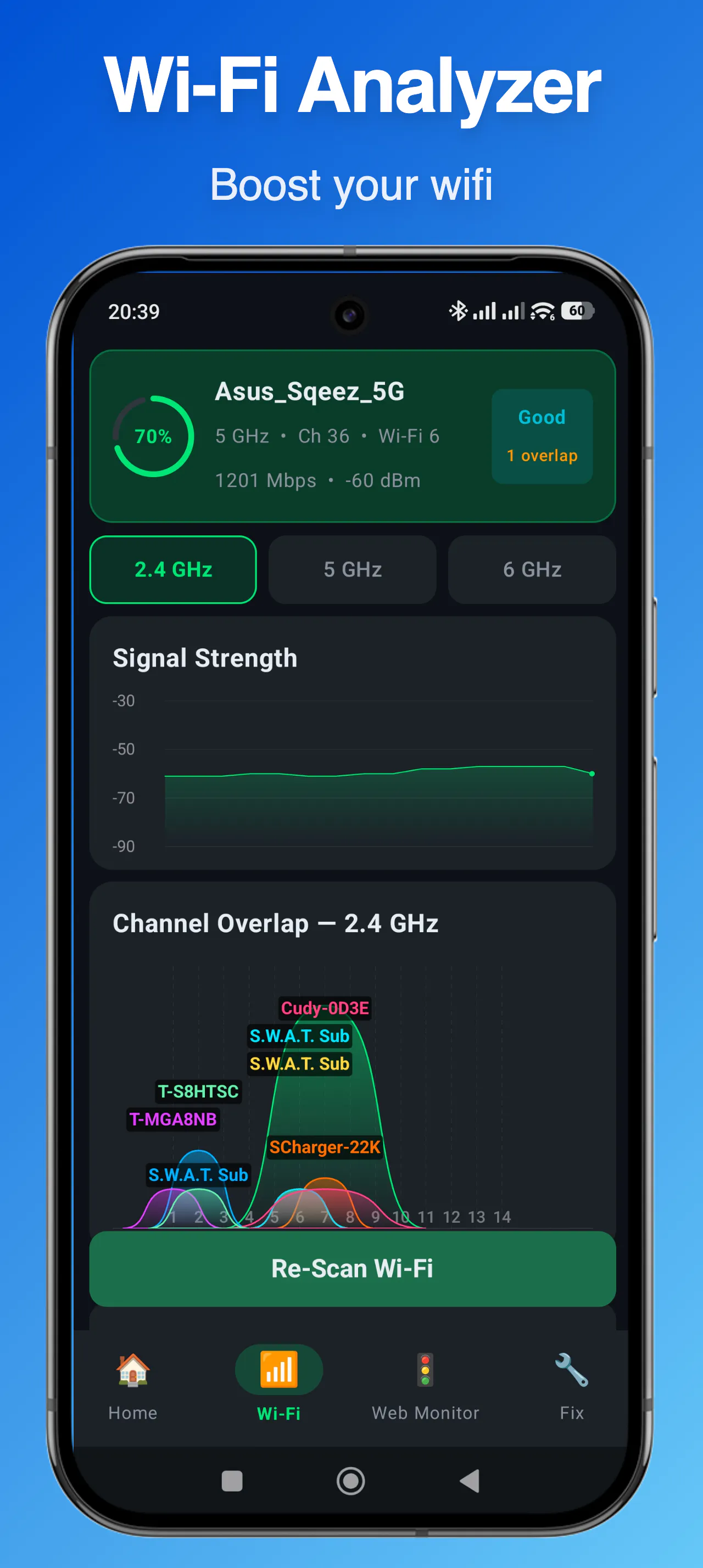
Scan nearby networks, compare Wi-Fi channels, check signal strength, and identify interference that may be causing slow or unstable connections.
Describe your symptoms and get troubleshooting guidance based on real network tool output — not generic answers. The built-in AI uses live data to give you grounded advice.
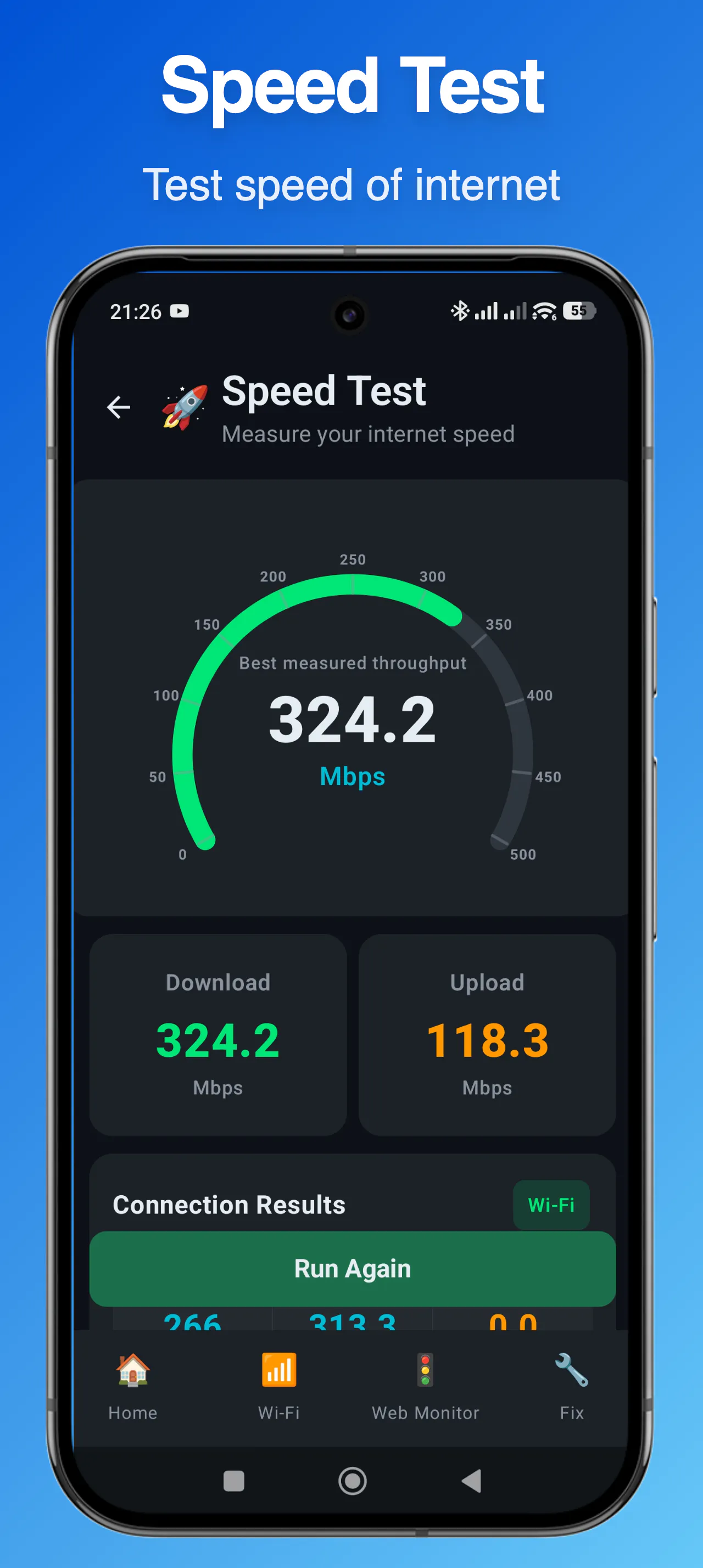
Measure download speed, upload speed, and latency to understand your real-world internet performance beyond what your ISP advertises.
Discover all devices connected to your local network, view their IP and MAC addresses, and identify unknown devices on your Wi-Fi.
Query A, AAAA, MX, TXT, and CNAME records. Compare DNS resolver speed across popular providers and find the fastest one for your location.
Trace every hop on the path to a destination server to find where latency spikes or packet loss begins across your network route.
Review TLS certificate issuer, validity, and expiration for any domain. Inspect HTTP responses, redirects, headers, and timing for debugging.
Track website availability and uptime over time. Review saved test results and compare historical latency and stability trends.
Core network tools
Advanced diagnostic tools
Ideal use cases
Frequently asked questions